01
Open the app
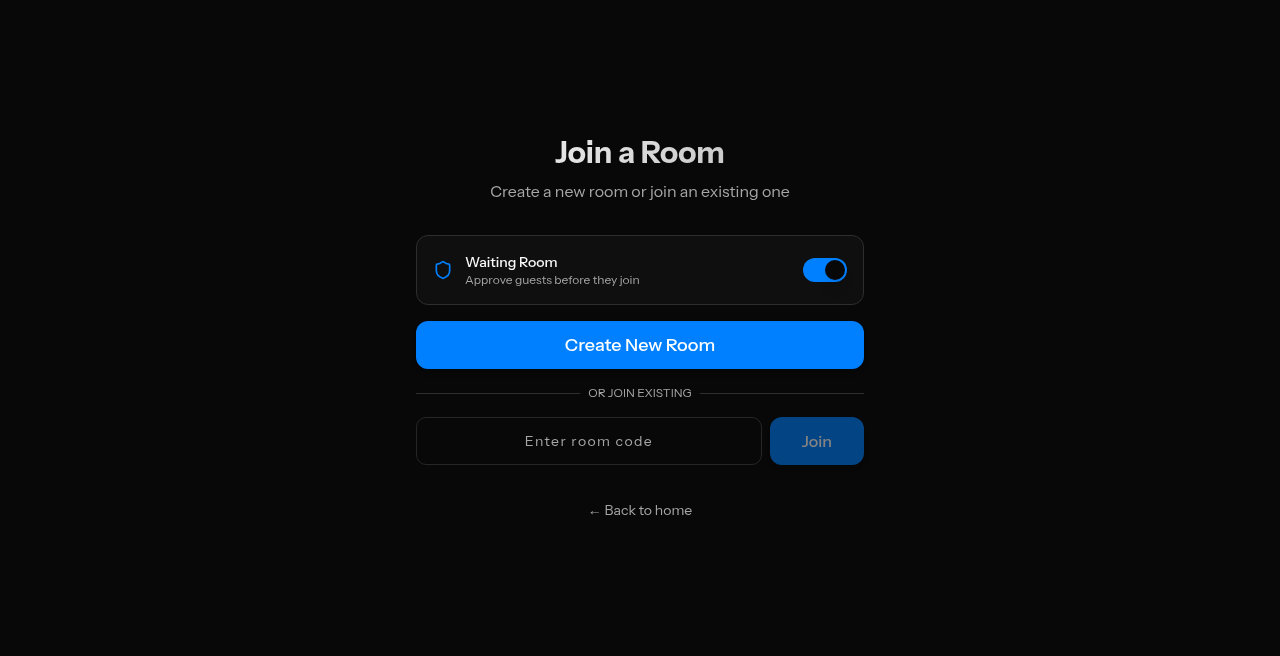
Click Launch App from the home page, or go straight to /r. That opens the room lobby.
 4K Chat
A call is a link and a name. Here's the whole thing.
Click Launch App from the home page, or go straight to /r. That opens the room lobby.
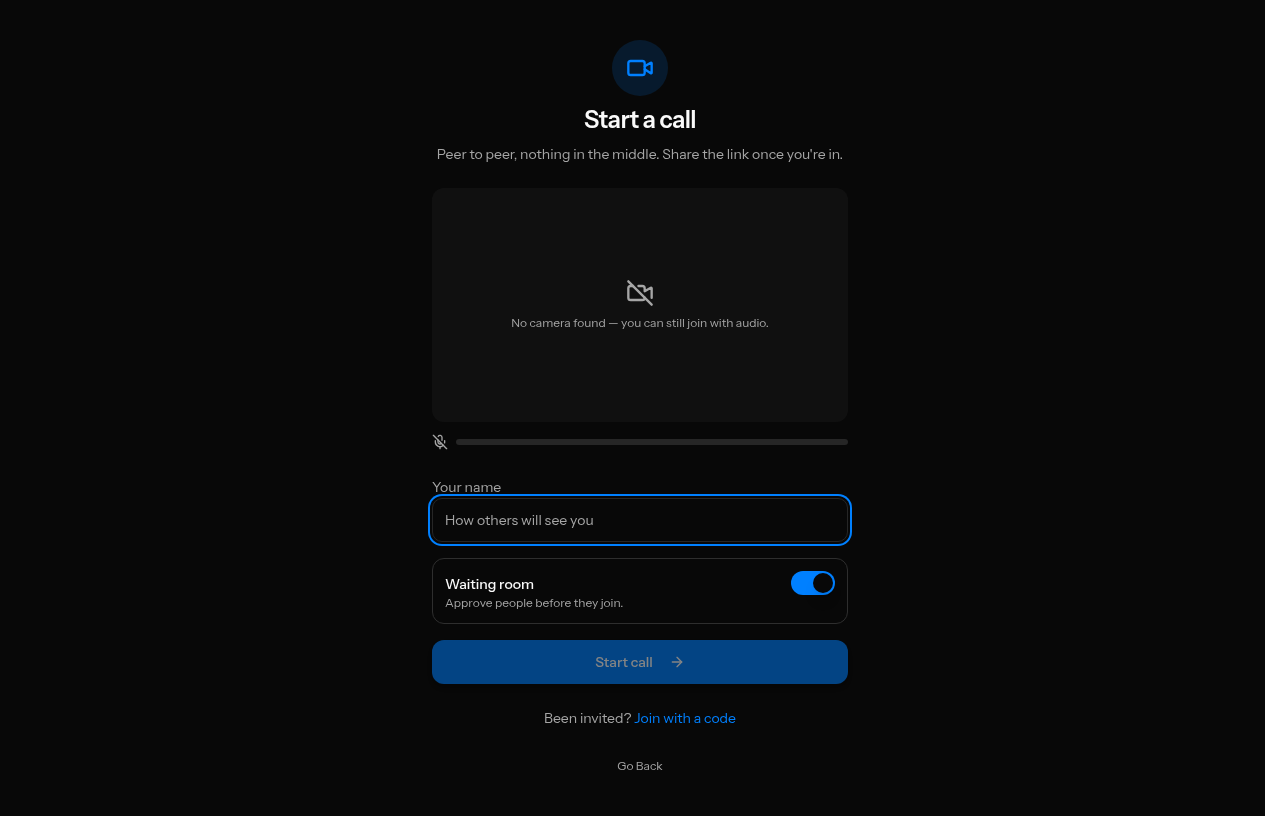
Choose Start a Call, type the name others will see, and decide whether the waiting room is on. That's the whole sign-up — there isn't one. No account, no email, no password.
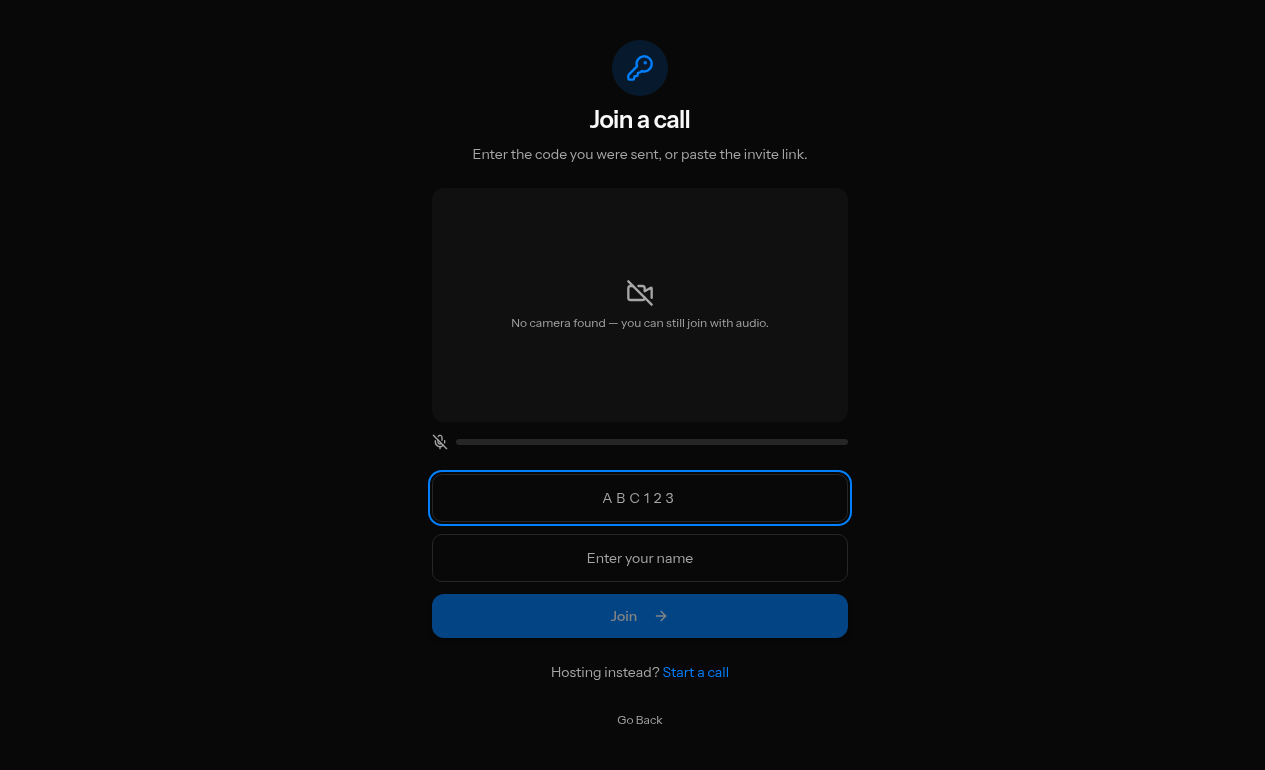
If you have a room code or invite link, choose Join a Call and paste it in. Camera is optional — you can join anyway without one and still watch and listen.
Send guests the room link or the 6-character code. The waiting room is on by default, so guests wait until you tap Admit.